<< Click to Display Table of Contents >>
Navigation: Modules > Base Module > Environment > View Page > DTM View >
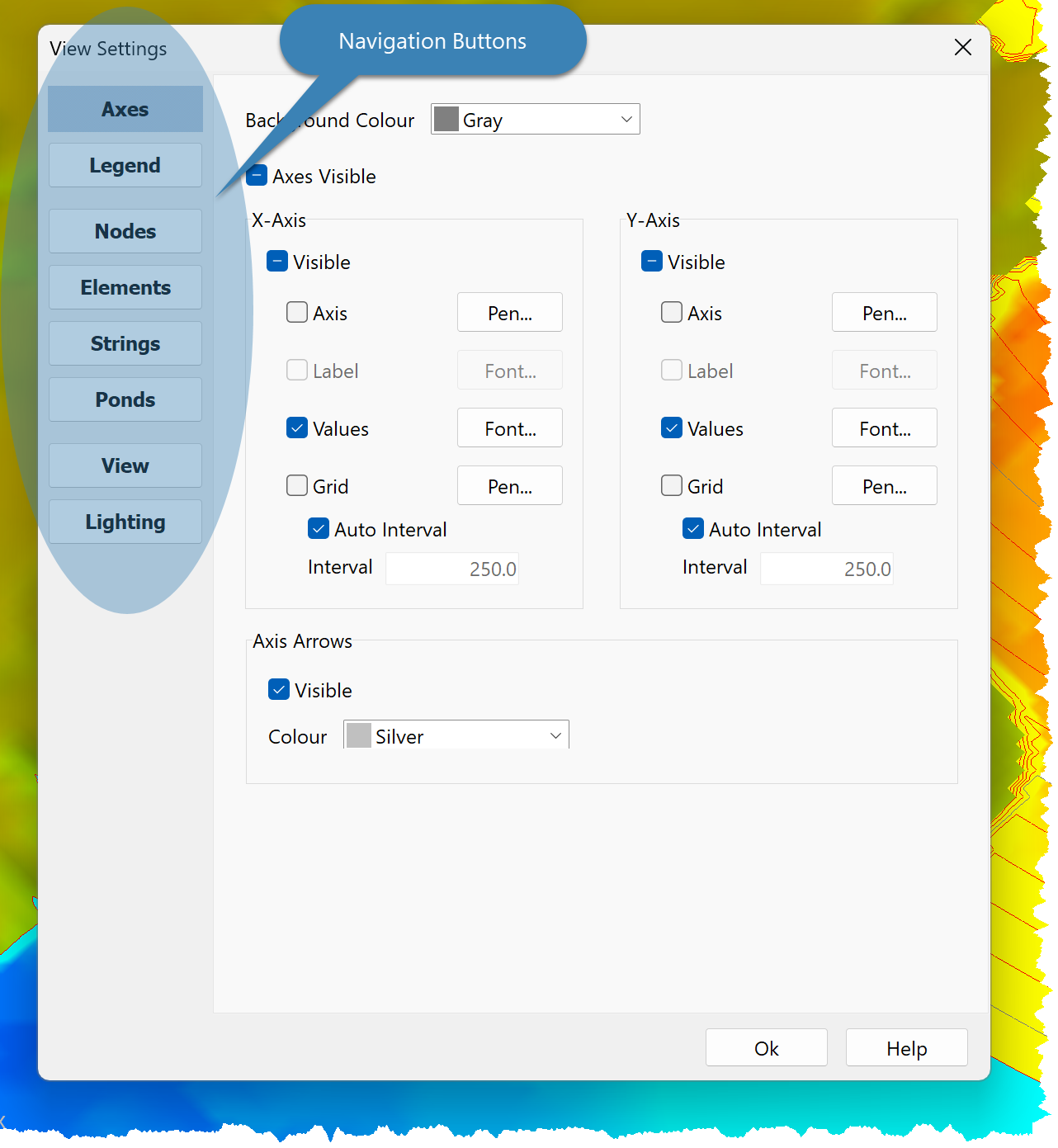
Use the View Settings Dialog to edit View Settings:
•Right click on the DTM View and click View Settings; or
•Click Edit > View Settings.
Use the Navigation Buttons to select the settings to edit:
•Axes
•Legend
•Nodes
•Elements
•Strings
•Ponds
•View
•Lighting