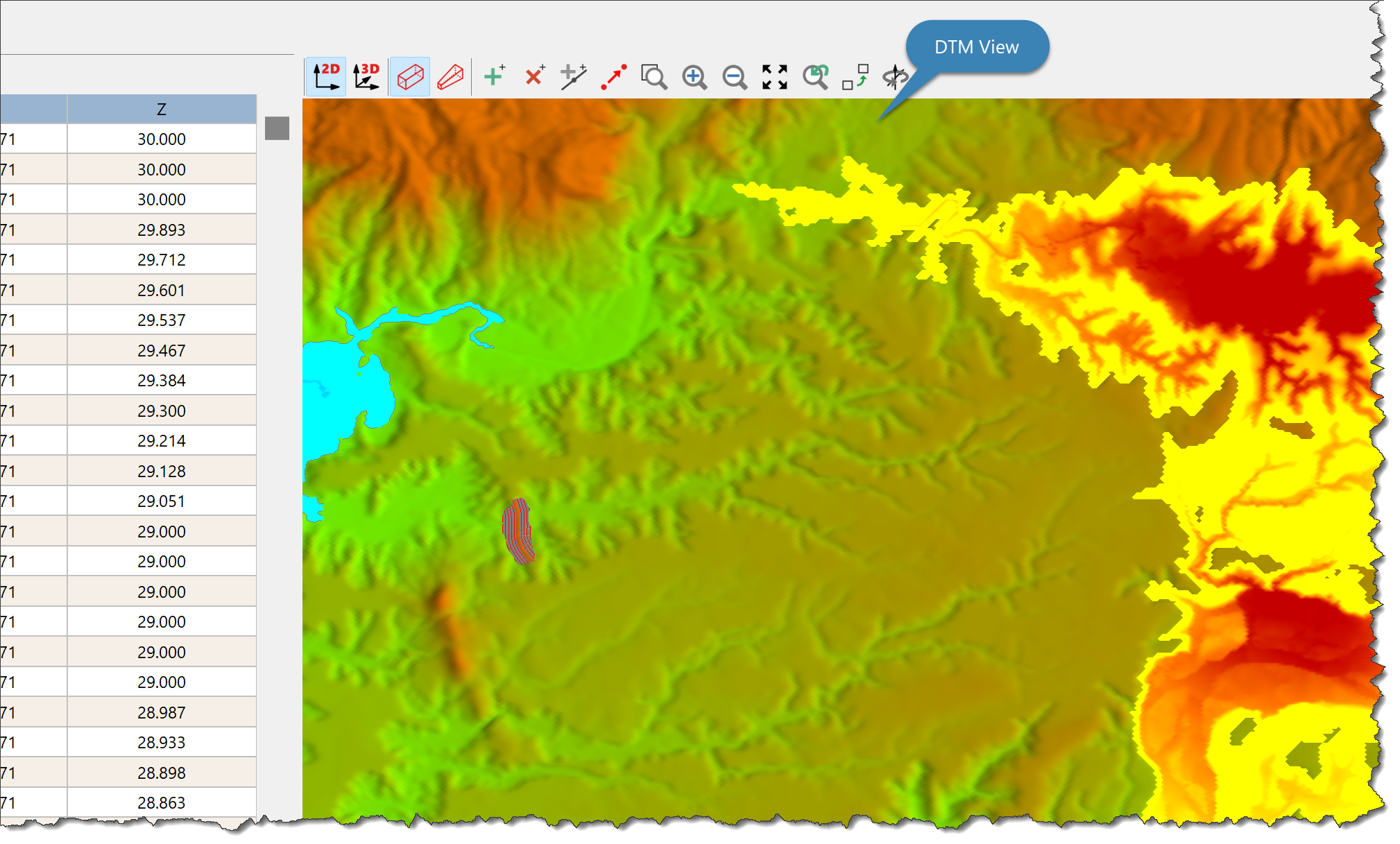
Use the DTM View to:
•View the model in 2D (plan) or 3D.
•View orthographic of perspective views on the model.
You can:
•Set View Options for View Data.
•Zoom, Pan, or Rotate the View.
•Set Object Snap settings when selecting or editing Data.
Copying or Saving the DTM Image Right click on the View and select: •Copy to Clipboard to copy the DTM Image to the clipboard. •Save Image to save the image. |