Click the Axes Button to edit Axis Settings.
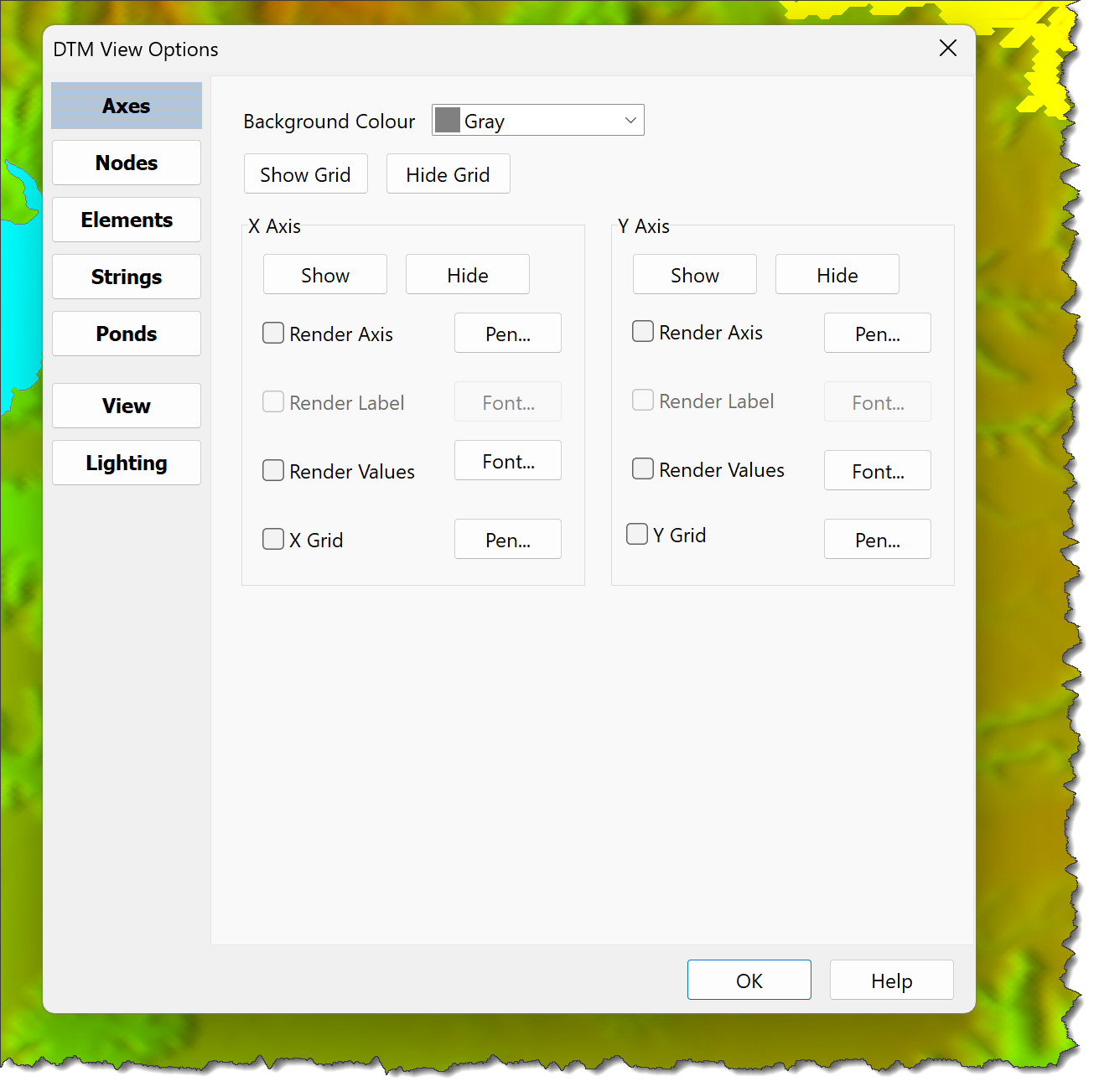
Axis properties are:
•Background Colour: Set the view background colour
•Axes:
oRender Axis:
▪If checked the axis is rendered
▪if unchecked, the axis is not rendered
oRender Label:
▪If checked, the axis label is rendered
▪If unchecked, the axis label is not rendered
oRender Values:
▪If checked, axis values are rendered
▪If unchecked, axis values are not rendered
oGrid:
▪If checked, the axis grid is rendered
▪If unchecked, the axis grid is not rendered
oUse the Pen and Font Buttons to define Pen and Font settings.
•Axis Arrows:
oVisible:
▪If checked, Axis Arrows are displayed
▪If unchecked, Axis Arrows are not displayed
oColour:
▪Defines the Axis Arrows colour
▪Use the Drop Down List to select a colour
Use DTM Environment Settings to define default Axis Arrow settings for new Models.