To edit default View settings, click the View Button.
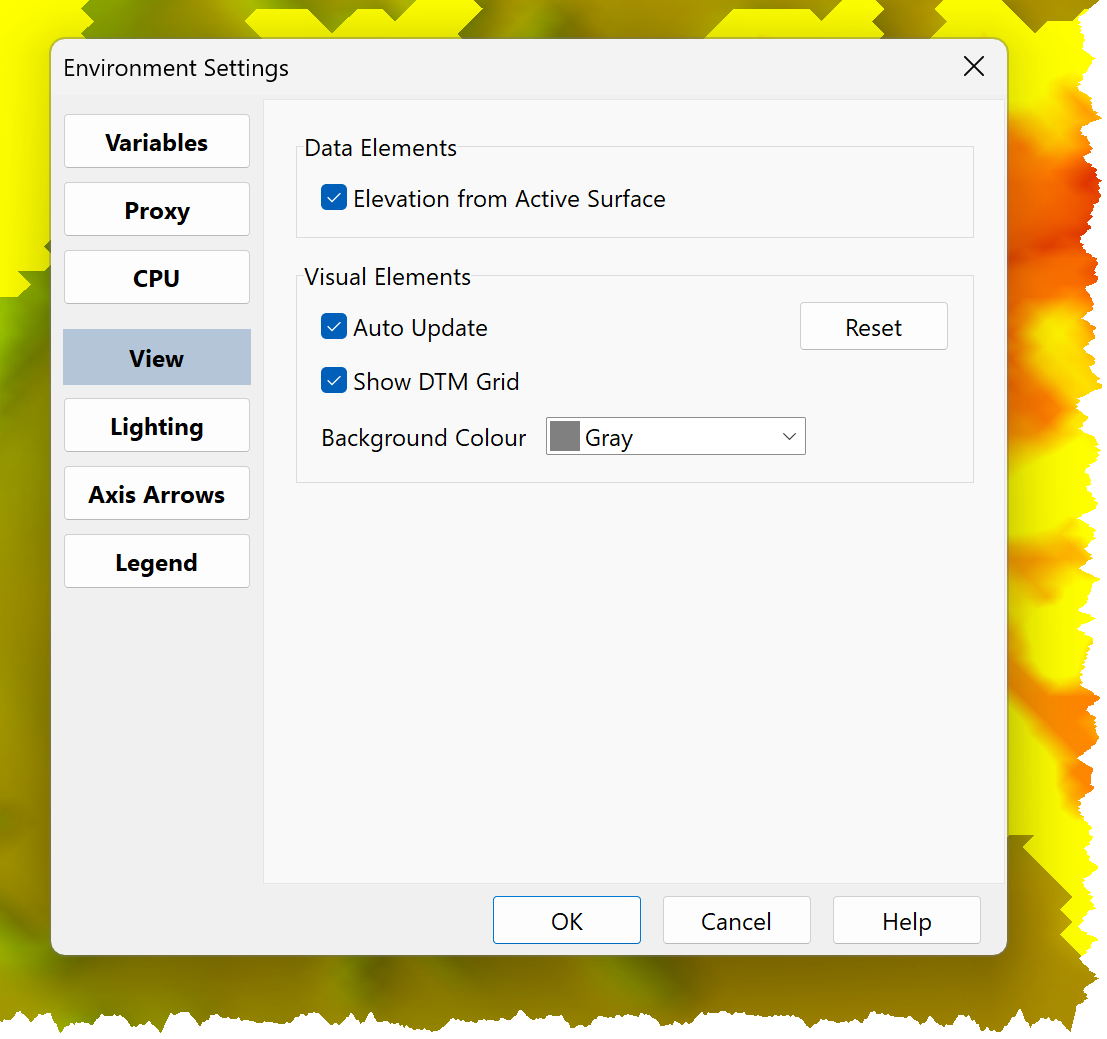
View settings comprise:
•Data Elements:
oElevation from Active Surface:
▪if checked, the elevation on coordinate status is interpolated from the Active Surface.
▪If unchecked, the elevation on coordinate status is obtained form the highest visual element below the cursor, which may not be the Active Surface.
•Visual Elements:
oAuto Update:
▪If checked, changes are implemented and the DTM View is updated as changes are made.
▪If unchecked, changes are only implemented and the DTM View updated if you press OK.
oDTM Grid Visible:
▪If checked, the DTM Grid is displayed.
▪If unchecked, the DTM Grid is not displayed.
oBackground Colour: Define the DTM View background colour.
Settings are applied to new models and the active model.
To only update the active model settings use Axis View Settings.
Notes: •View options can be used to set grid visibility •The Status Bar can be used to set the coordinate elevation source |