Released licenses are available to software installations linked to the same Company Account.
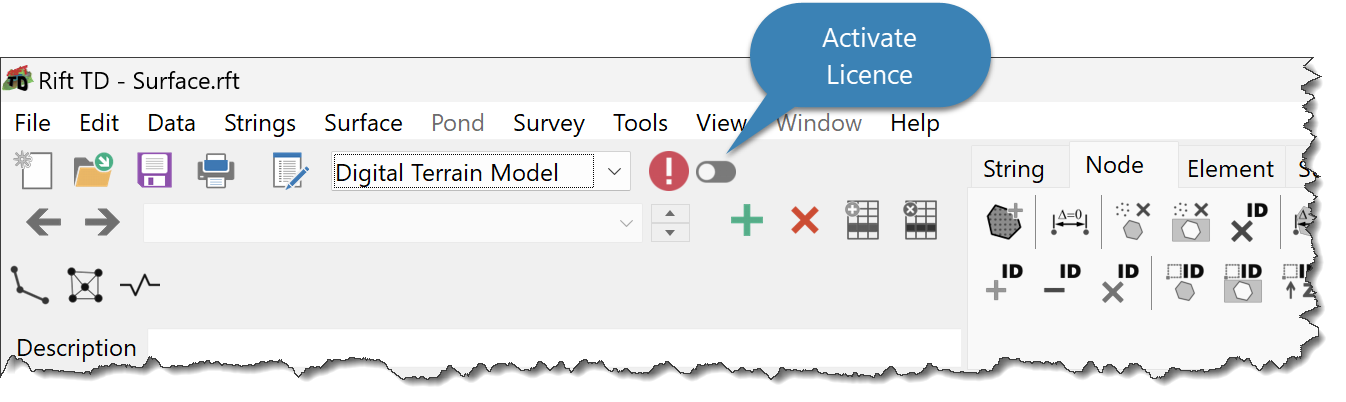
To activate a licence click:
•Tools > Licence Activate; or
•Click the Activate Licence Button.
The Licence Dialog Window is shown if there are no active licences; it provides:
•The licence status
•A list of Users with Full licences
•The ability to request purchase information
Available functionality depends on licence activation.