To run a Deposition Model:
•Click Deposition > Run; or
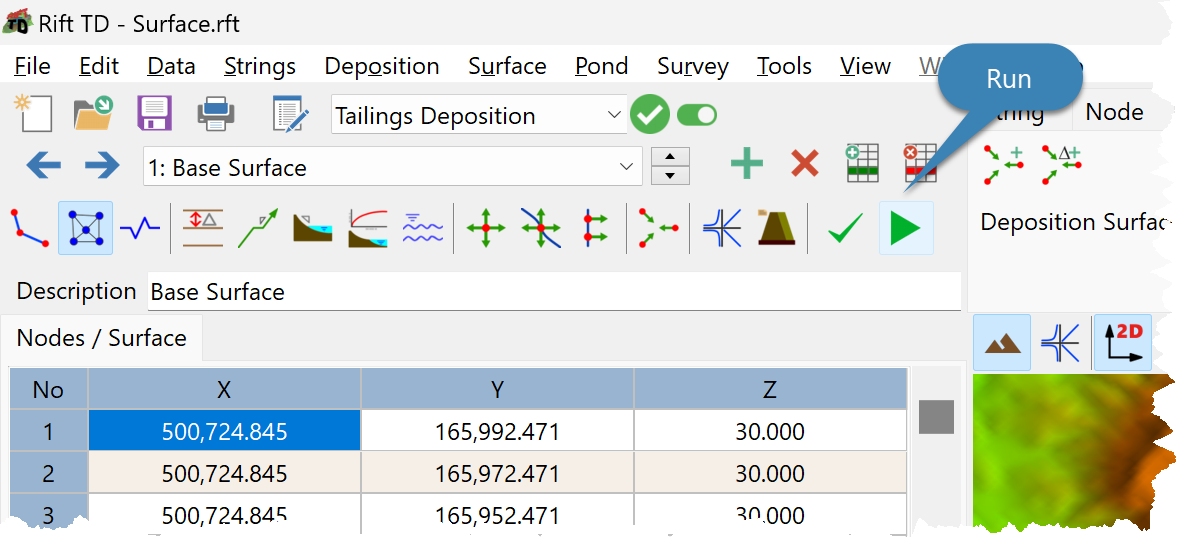
•Click the Run Button; or
•Press F9.
•Data is validated prior to a model run.
•The Result Summary provides summary information during a Model Run.
•Raise results are displayed on the:
oData Grid; and the
•View Vector Results from on the Vector Result Form.
Note: Click the Run Button or the Escape key to cancel a model run. The model cycles between three modes: •Cancel Run following deposition cycle (Raise). •Cancel Run following deposition vector. •Run model. |