To view Dam Breach Results:
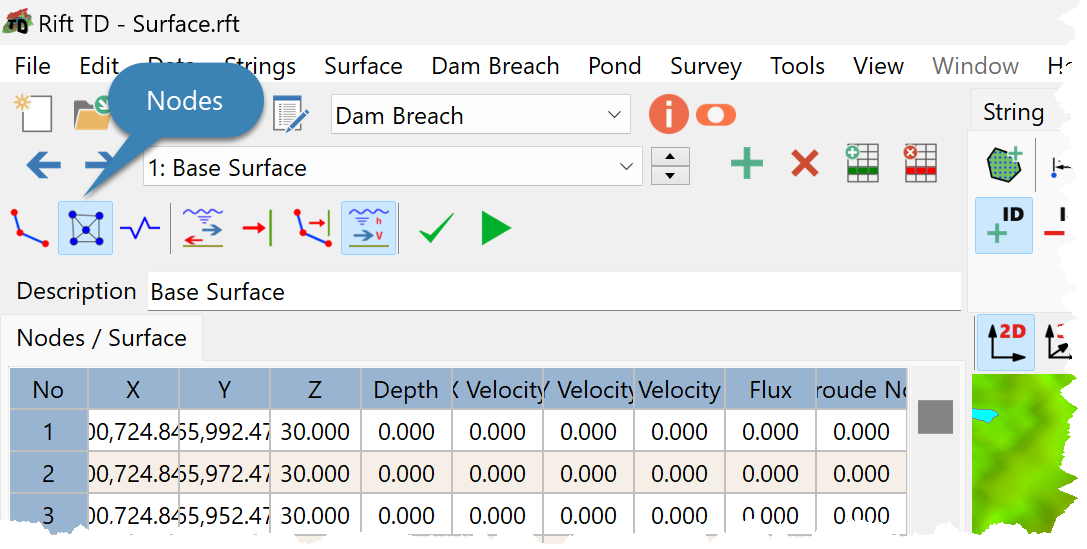
•Click Edit > Nodes; or
•Click the Nodes Button.
•Activate Flow Parameters.
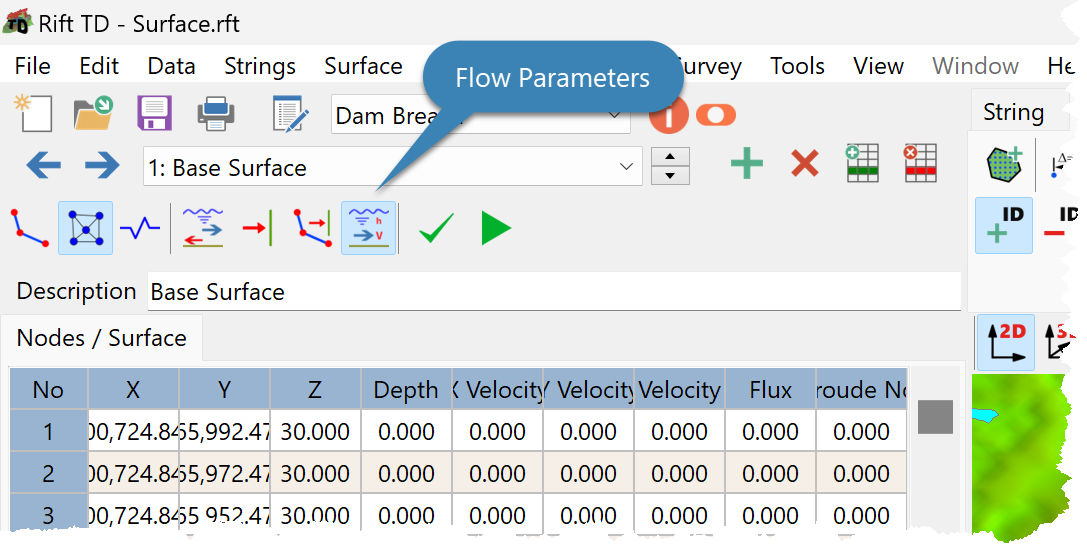
•Result parameters are displayed on the Data Grid.
•Use the Dam Breach Toolbar to:
oSelect the Result Set/Time
oView the Dam Breach model on the DTM View