To view the licence status:
•Click Tools > Licence > Status; or
•Click the Licence Status Button.
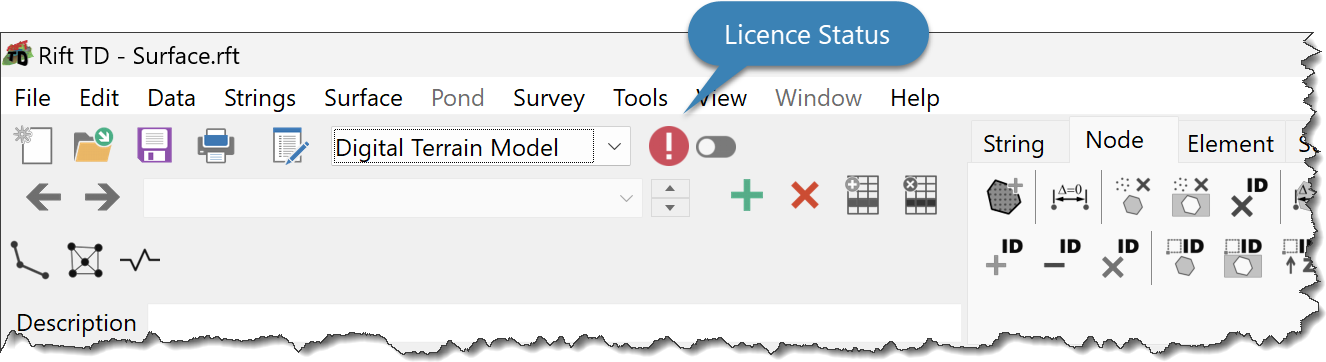
The Licence Status Dialog Window provides:
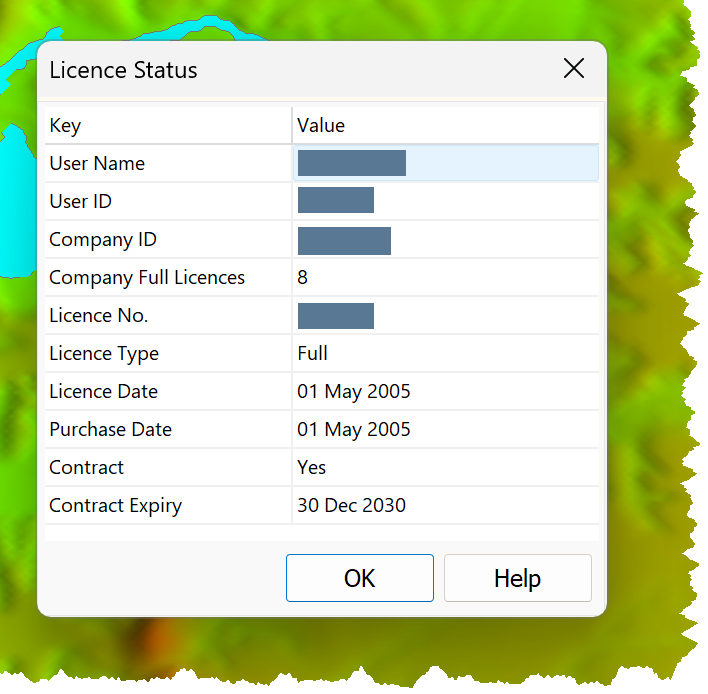
•User name
•User ID
•Company ID
•Number of full licenses allocated to the Company
•Licence Number
•Licence type
•Licence date
•If a full licence:
oPurchase date
oContract status
oContract expiry