You can copy and save DTM Images:
•Right click on the DTM View
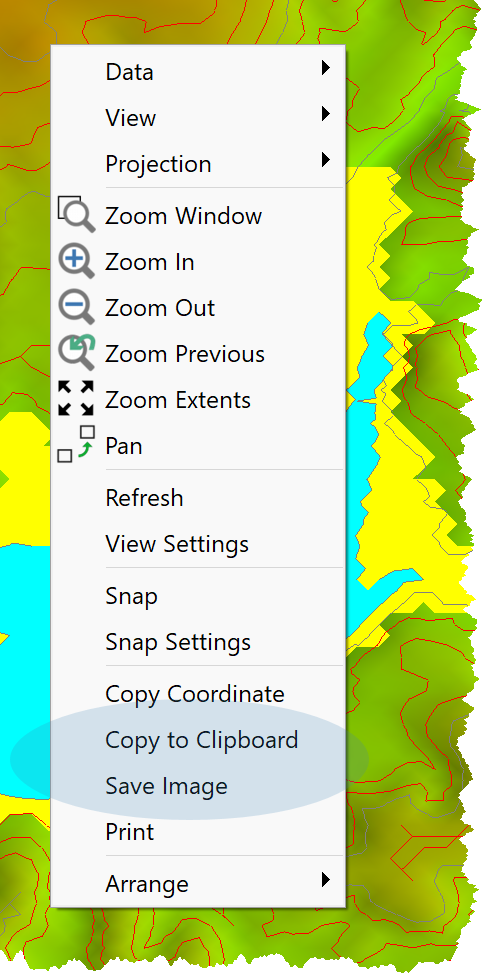
To copy an image, click Copy to Clipboard.
To save an image click:
•Save Image
•On the Save As Dialog:
oEnter a file name
oSelect a file format
oClick OK
|
<< Click to Display Table of Contents >> Navigation: Modules > Base Module > Environment > View Page > DTM View > DTM Images |
You can copy and save DTM Images:
•Right click on the DTM View
To copy an image, click Copy to Clipboard.
To save an image click:
•Save Image
•On the Save As Dialog:
oEnter a file name
oSelect a file format
oClick OK