TUTORIALS
Model Setup
Deposition Models
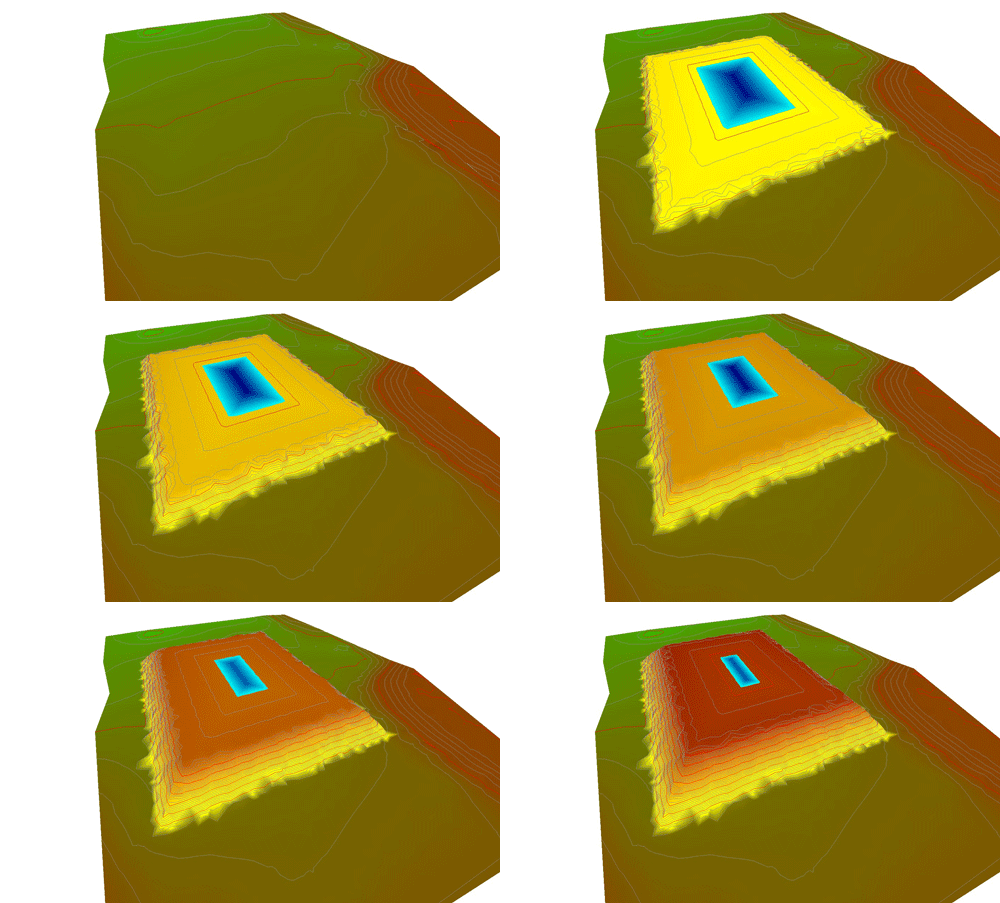
- Point (Cone) Deposition Upstream of an Embankment
- Upstream Boundary Deposition
- Downstream Deposition - Line Deposition Behind an Embankment
- Cyclone Deposition - Downstream Embankment
The tutorials comprise a "Zip" file, typically containing:
- an instruction set (PDF),
- an "Initial Model" and
- a "Final Model".
For the deposition models the Final Models are ready to Run, and can consequently be used to assess Rift TD's capabilities.
Initial Model Set-Up (ASCII Data File)
- Generate a Surface Model from ASCII File Survey Points.
- Set Graphic Element Properties.
- Surface (triangle) Manipulation.
Embankment Modelling
This tutorial tackles the Embankment Modelling task from first principles to familiarise the User with Rift TD functionality. Rift TD contains an Embankment Wizard which simplifies Embankment Modelling. See the Users Manual and on-line help for assistance with this feature.
- Model an Embankment.
- Measure Cut/Fill Quantities.
- Generate a Pond.
- Extract Long Sections.
- Extract Cross Sections.
Point (Cone) Discharge Upstream of an Embankment
- Set-up a Point (Cone) Discharge Deposition Model.
- Pond Defined Based on Fixed Freeboard.
- View and Manipulate Results.
- Generate a User Defined Pond within a Basin.
Upstream Boundary Deposition
- Set-up an Upstream Boundary Deposition Model.
- User Specified Pond Elevations.
- View and Manipulate Results.
- Generate a User Defined Pond.
Downstream Deposition - Line Deposition Behind an Embankment
- Set-up an Embankment Deposition Model.
- Deposition Takes Place Along a User Defined Line Behind the Embankment.
- Deposition Points Move up the Embankment as they are Raised.
- Pond Elevations are Based on a Defined Freeboard.
- View and Manipulate Results.
- Generate a User Defined Pond.
Cyclone Deposition - Downstream Embankment
- Set-up an Cyclone Downstream Embankment Deposition Model.
- Automatic Staged Downstream Embankment Generation.
- Pond Elevations are Based on a Defined Freeboard.
- View and Manipulate Results.
- Generate a User Defined Pond.